Printing FAQ
Printing at Burwood Library.
To use the printers and computers you must be registered as a member.
There are two levels of membership, an electronic version that gives you access to the computers, printing services and eBook platforms and the full membership that includes all of the previous plus you are able to borrow books as well.
You can print by sending a print job from one of the computers at Burwood Library.
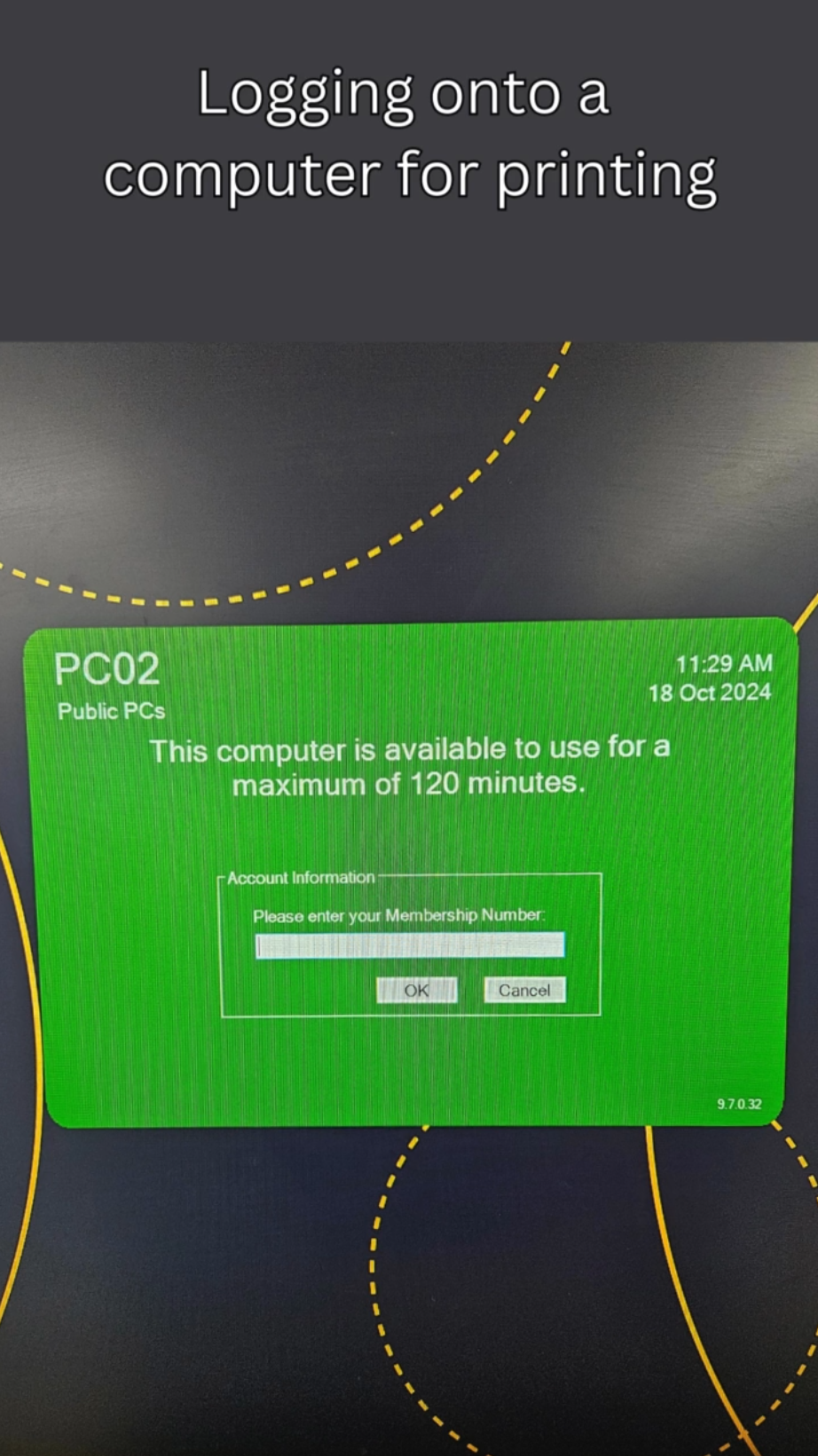
How to log on and print from a computer in the library
Using the computers to print your document only requires you to have a free computer, a library membership and credit on your account. Use the talk blue kiosk in the library to add value to your card as required.
How to scan and email a document
English version
Chinese version
How to colour copy a card onto a single page.
When you wish to copy both sides of a card or small document onto a single page, use this option.
Sending print jobs remotely
You can send print jobs from anywhere with internet access using your Burwood Library membership and the Webprint facility.
Select print from the menu option, then follow the instructions to upload your document. Files can be in Adobe PDF format, MS Word or images file formats. Once completed go to the library to release your printing. If you have insufficient funds please use the web interface or the kiosk in the library to top up your funds on your library membership be it physical or electronic.
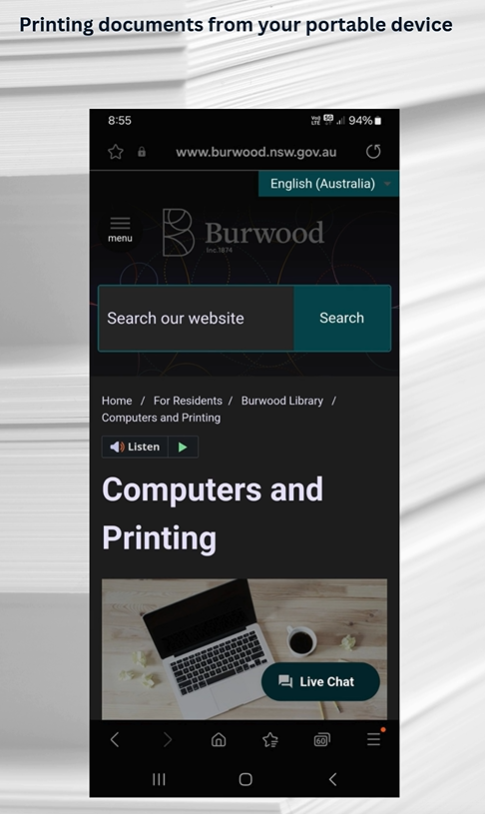
Printing from your mobile device
You can print documents and images located on your phone. Have your library card number and pin ready.